 Product photos
Hair, fur and fine edges.
Cut out in seconds.


$9.99 launch price, one time · then $19.99
Get for $9.99Remove the background from any image in seconds, right on your Mac. Make a transparent PNG, drop in a clean white background, or change and blur the background with one click. Full-resolution HD, works offline, and nothing is ever uploaded.


Remove backgrounds from
Meet EraseMyBG
EraseMyBG is a background remover app for Mac that lifts the subject out of any photo, people, pets and products alike, in seconds. The AI runs entirely on Apple silicon, so every image stays private and keeps its full resolution. Then it gives you the tools to finish the job: transparent PNG export, white and colored backgrounds, realistic shadows, edge brushes and batch background removal. No uploads. No credits. No subscription.
Step one
Drop in any photo.
Step two
Watch the background peel away.
Step three
Then give it a whole new world.


Edges


A second pass works only on the edge, where cheap tools fall apart. Flyaway hair, fur and soft outlines come through crisp, and clean edge colors strips the old background out of them so nothing glows with a halo. When the model guesses wrong, edge-aware Erase and Restore brushes snap to the subject. Several people in one shot? Click the ones to keep.
Drag the line, pick a photo, try a backdrop. Real cutouts, no retouching.
Use cases
People, products, pets, logos and paperwork. EraseMyBG finds the subject automatically and hands you a clean cutout, ready as a transparent PNG or on a brand-new background.

Cut out people with every strand of hair intact for LinkedIn photos, team pages and profile pictures. Swap a busy office for a studio gray or a soft blur.
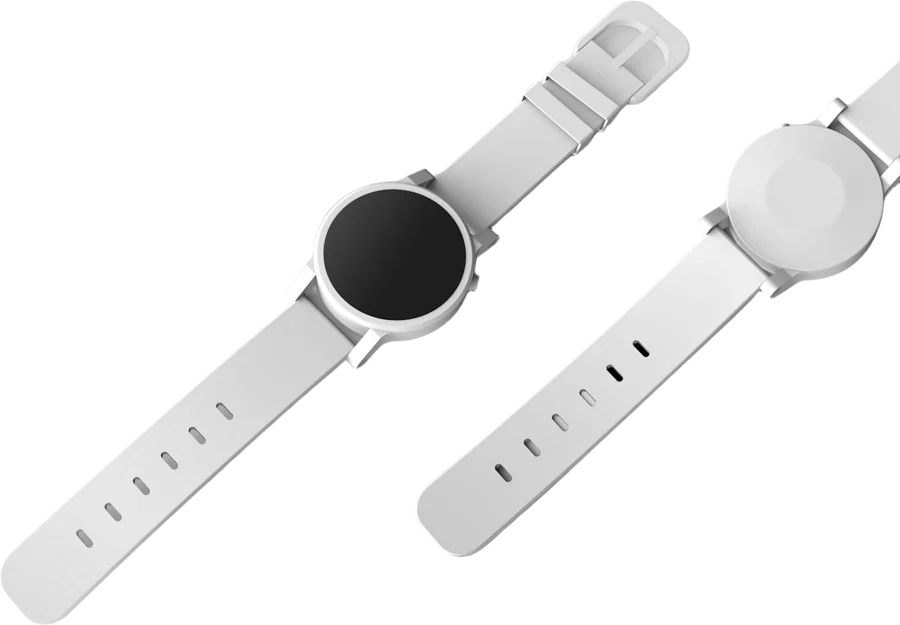
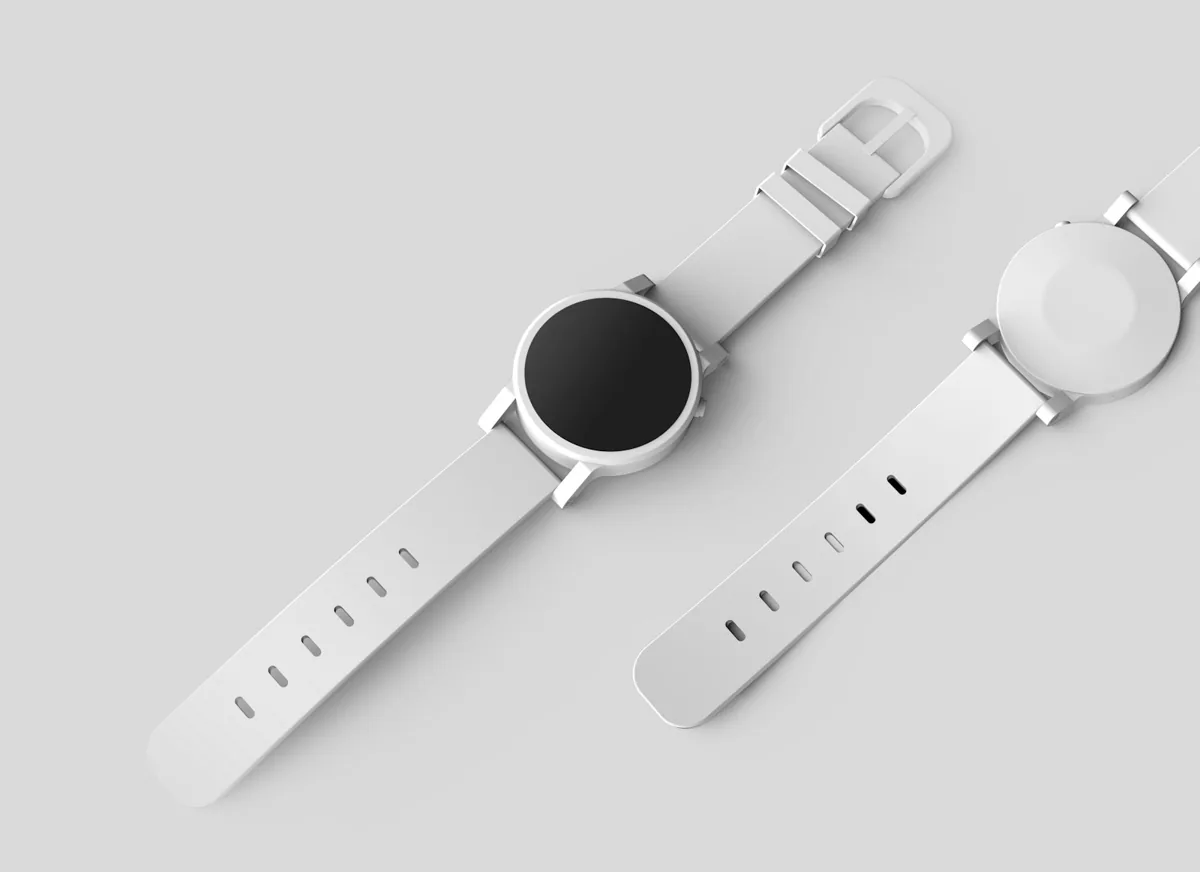
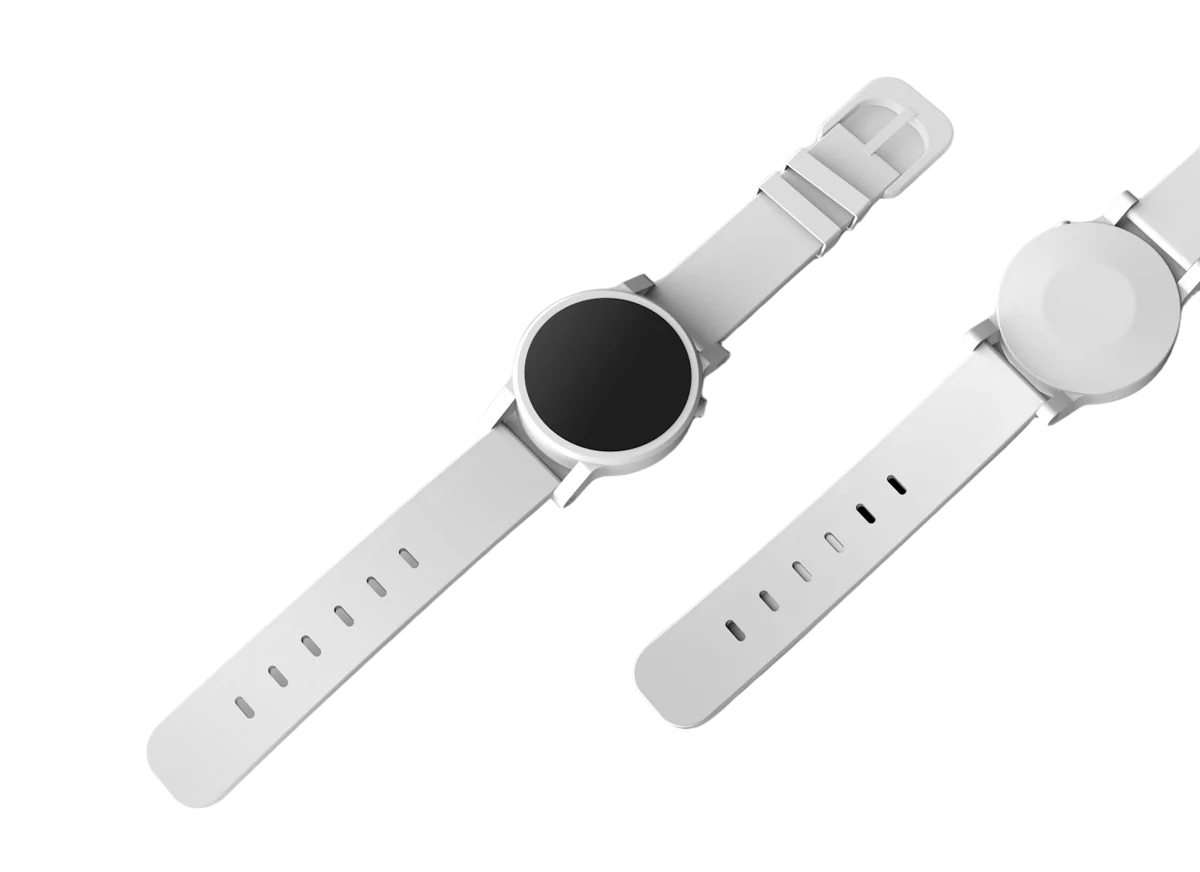
Give every listing the plain white background online stores ask for. Auto-crop, center and add a soft shadow so products look placed, not pasted.
Turn a logo saved as a JPG into a transparent PNG you can drop on any slide, site or video. Remove white backgrounds from logos without tracing a thing.
How to remove white from a logo ›Snap a signature on paper, remove the background, and paste a clean transparent signature into contracts and PDFs. Remove White mode keeps every thin stroke.
How to remove a signature background ›
Whiskers, ears and fluffy outlines come through soft and natural. Perfect for pet portraits, stickers, shop listings and birthday cards.
Not after transparency? Replace the background with a color, a gradient or your own image, or keep the scene and add a portrait-style background blur.
Transparent PNG
Make any image transparent in one step. EraseMyBG builds a precise alpha mask around the subject, then writes a true transparent PNG: soft where hair and fur should be soft, crisp where products should be crisp. Need to remove a white background from a logo or a scan? Remove White mode keys out the paper exactly, so text and thin lines survive.
Workflow
You don't even have to open the app. EraseMyBG plugs into the parts of macOS you already use, from Finder to the menu bar to Shortcuts.

Open
Get Info
Rename
Quick Look
 Sat 9:41
Drop an image

✓Copied to clipboard
$ erasemybg ~/Shoot/*.jpg --bg white --size 2000
✓ IMG_2041.jpg → IMG_2041-cut.png
✓ IMG_2042.jpg → IMG_2042-cut.png
✓ IMG_2043.jpg → IMG_2043-cut.png
Done.
Slide 3
For sellers
Auto-crop to the subject, center it, pad it, add a shadow and size it for wherever it's going. Apply one preset to a whole batch so your catalog finally matches.
Amazon preset. Pure white background, product filling about 85% of the frame.
How it works
Three steps, a few seconds, and no learning curve. If you can drag a file, you can make a transparent image.
 1
1Drag a JPG, PNG, HEIC, TIFF or WebP onto EraseMyBG, paste one with ⌘V, or right-click it in Finder and choose Erase Background.
2The subject is found and the background removed in under a second. Touch up any edge with the Erase and Restore brushes if you need to.
3Save a transparent PNG, or choose white, a color, blur or your own image and export a full-resolution JPEG. Done.
Making an image transparent simply means removing its background and saving it in a format that supports transparency, like PNG. In EraseMyBG, leave Background on None and export. Everything except the subject becomes fully see-through, so your image sits cleanly on any color, slide or web page. JPEG can't store transparency, so a transparent JPG isn't possible; use PNG, WebP, HEIC or TIFF instead.
Read the full guide: make an image transparent on Mac, Windows, iPhone and more ›How to remove the background from any picture: people, pets, products ›Privacy
Online removers upload your images to their servers. Client shoots, unreleased products, your kids. EraseMyBG does all of it on device, so there is nothing to upload and nothing to leak.
Works offline.
On a plane, on set, anywhere.
Processing never needs a connection. The app checks your license once when you activate it, and that is it.
No account.
Buy, enter your key, start.
No sign-up, no login wall, no profile. Your license key is all you need on each Mac.
No image tracking.
We never see your photos.
There is no server to see them. We don't store, analyze or train on anything you process.
EraseMyBG
remove.bg
Based on publicly listed features as of October 2026. remove.bg is a trademark of its owner; EraseMyBG is not affiliated with it.
A free online background remover is handy for a one-off. But most upload every photo to a server, shrink the free download to a preview size, and charge credits for the HD version. Do that a few hundred times for a product catalog and the cost and the waiting add up.
Every cutout exports at the photo's full resolution. There's no low-res preview and no paying extra for a high quality background remover result.
Client work, unreleased products and family photos never leave your Mac. There's no upload, so there's nothing to leak, store or train on.
Batch background removal handles whole folders, and watch folders process new photos as they land. No queues, no per-image fees.
No uploading, no waiting in line, no downloading. The result appears on your screen, ready to drag into the next app.
No subscription and no credits. Launch price for a limited time.
EraseMyBG for Mac
Launch price, one-time purchase
Secure checkout. Your license key arrives by email.
Open the image in EraseMyBG, or right-click it in Finder and choose Erase Background. The AI finds the subject and removes the background in seconds. Then export a transparent PNG, or pick a white, color or blurred background and save it at full resolution.
Removing the background is how you make an image transparent. In EraseMyBG, leave the backdrop set to Transparent and export as PNG, HEIC or TIFF (WebP export arrives in the next update). Everything except the subject becomes fully transparent, so the image sits cleanly on any color, slide or website.
Yes. Logos, signatures, stamps and scanned drawings don't have a subject in the usual sense, so EraseMyBG has a Remove White mode that keys out the paper or any solid color. Thin lines and lettering survive, and you get a clean transparent PNG.
Yes. It uses an on-device machine learning model to find the subject and build a precise mask, then a second pass refines hair, fur and soft edges. All of the AI runs locally on your Mac, not in the cloud. Neural Engine and GPU acceleration for the high-detail pass arrives in the next update.
No, it's a paid app with a one-time price ($9.99 at the launch price). If you only need the odd cutout, a free online background remover or the macOS built-in tool may be enough. EraseMyBG is for people who remove backgrounds often and want HD results, batch processing and privacy without paying per image.
No. The cutout model runs right on your Mac. Your photos are never sent to a server, and the app works with Wi-Fi switched off. The only time it goes online is a one-time license check.
No. You pay once and keep it. The launch price is $9.99; the regular price will be $19.99. One license covers up to 3 of your Macs.
Any Mac with Apple silicon (M1 or later) running macOS 14 Sonoma or later. Newer chips are faster, but every Apple silicon Mac handles it comfortably.
The built-in tool is great for a quick one-off. EraseMyBG is for when the result matters: refine hair and edges with brushes, drop in a new background or shadow, crop to marketplace sizes, and process whole folders at full resolution in one go.
Excellent on people, pets and products with a clear subject. Like every background remover, it finds glass, smoke, veils and fur against a same-color background hardest. That is what the Erase and Restore brushes are for.
Yes. Your images are yours. Use them in your store, ads, client work or anywhere else. No watermark, no attribution.
Not yet. EraseMyBG 1.0 is built for photos and images: JPEG, PNG, HEIC, TIFF and WebP. Video background removal is something we're exploring for a later version.